Skip to content
ContactSafeContactSafev1.0
Get the App
Version 1.0 — out now on Google Play and the App Store

Your contacts,
your privacy.

ContactSafe is a private address book of its own. Attach notes, photos, files, projects and locations to every contact — all of it kept on your device, behind a passcode or biometric lock. No cloud, no account, no sync.

Get it on Google Play
Download on the App Store
Events
ContactSafe
Files
Features

Everything in one place

A complete contact toolkit — built privacy-first, in a private space of its own.

Privacy by Design

Nothing ever leaves your phone unless you choose to. No cloud sync, no analytics, no third-party trackers — even adb backup is blocked.

An address book of its own

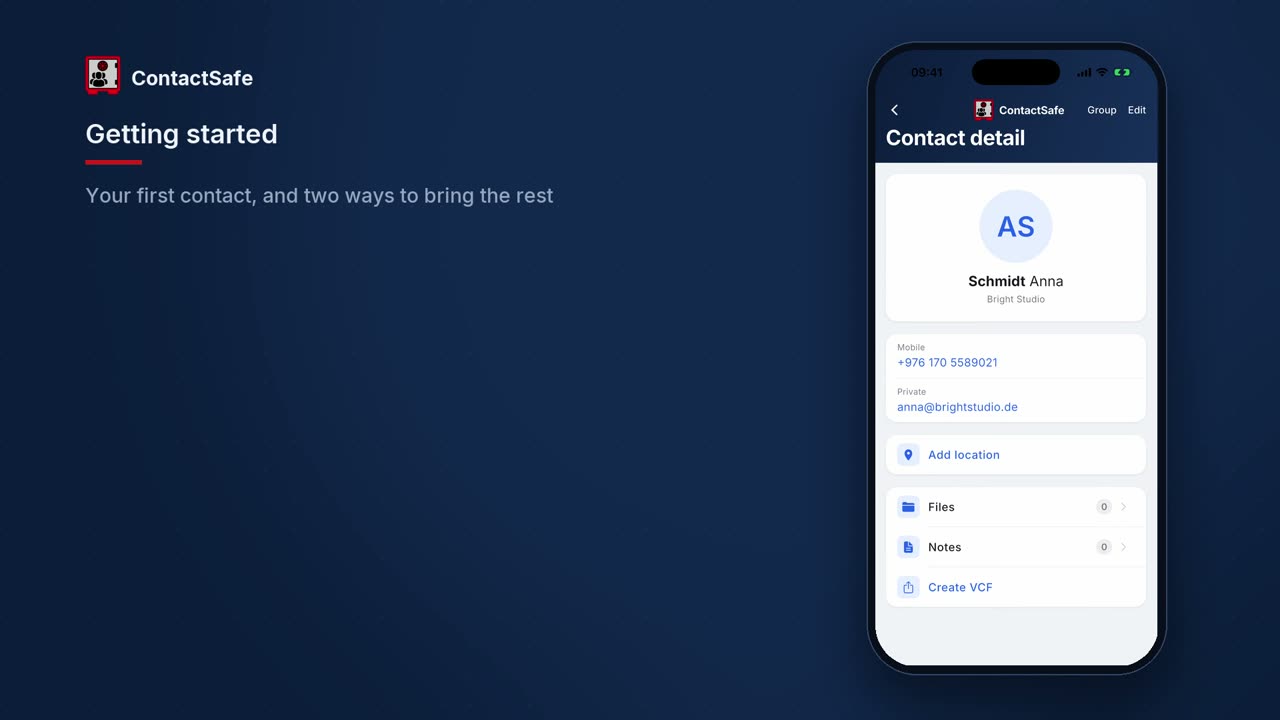
ContactSafe keeps its own private list, separate from the phone's. Nothing you add here shows up in the system contacts app or syncs to an Apple or Google account.

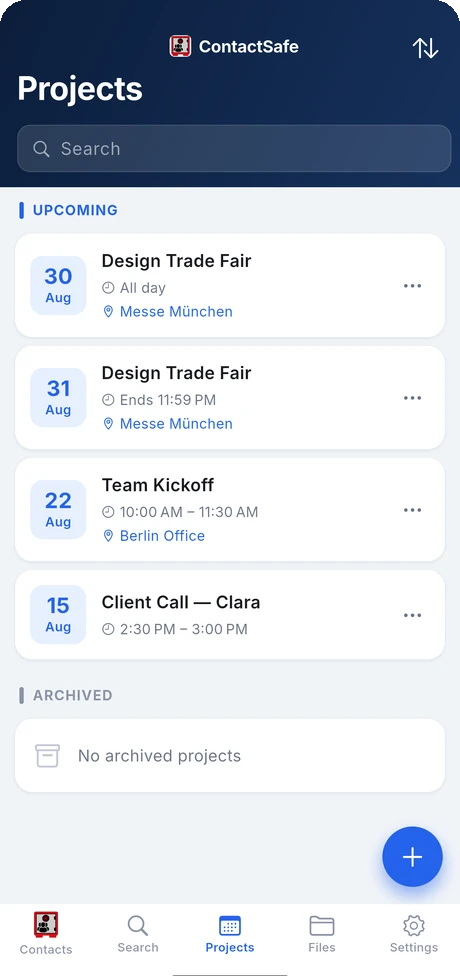
Projects

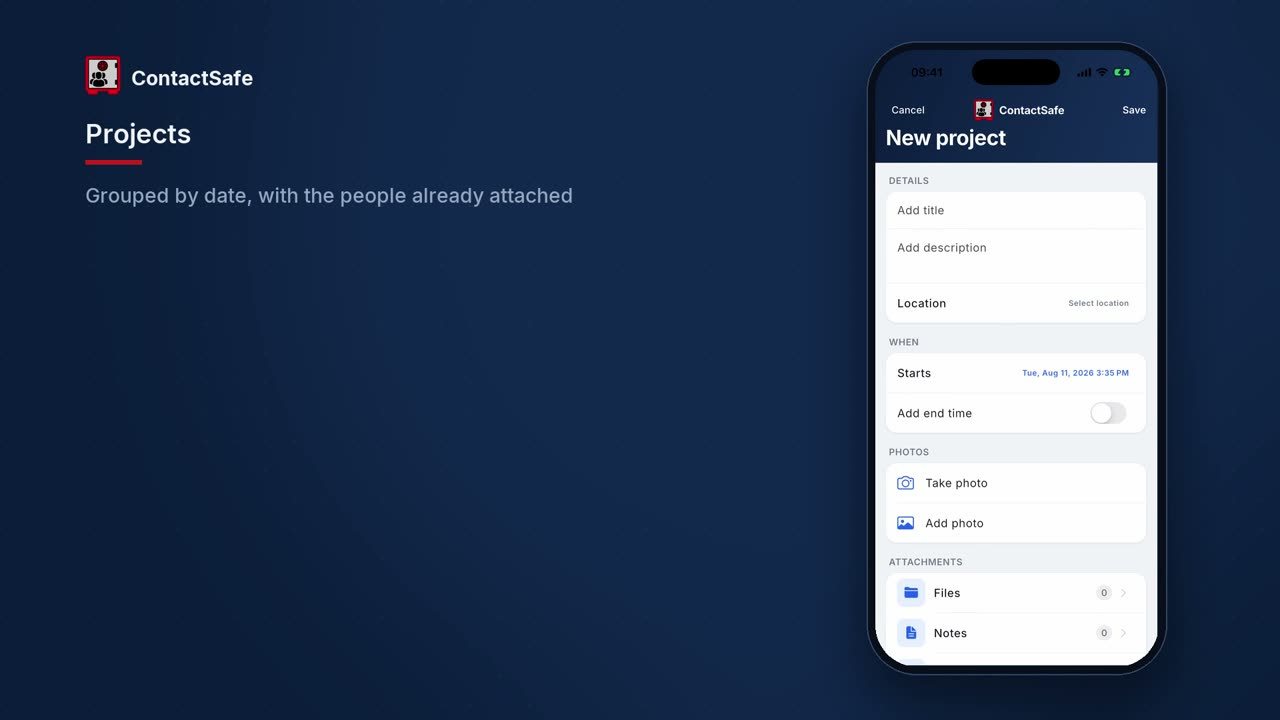
Group visits, calls and deadlines into projects, link the people involved and pin the place, then see everything ordered by date with all-day and multi-day spans marked.

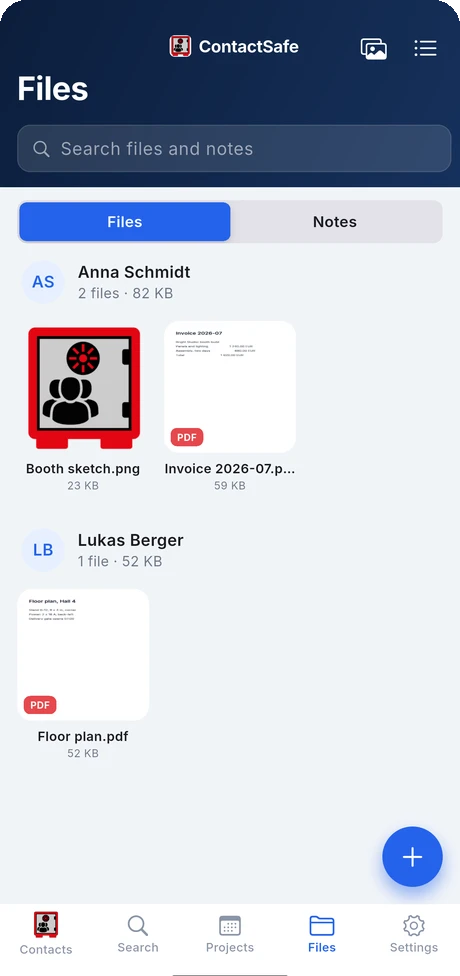
File Attachments

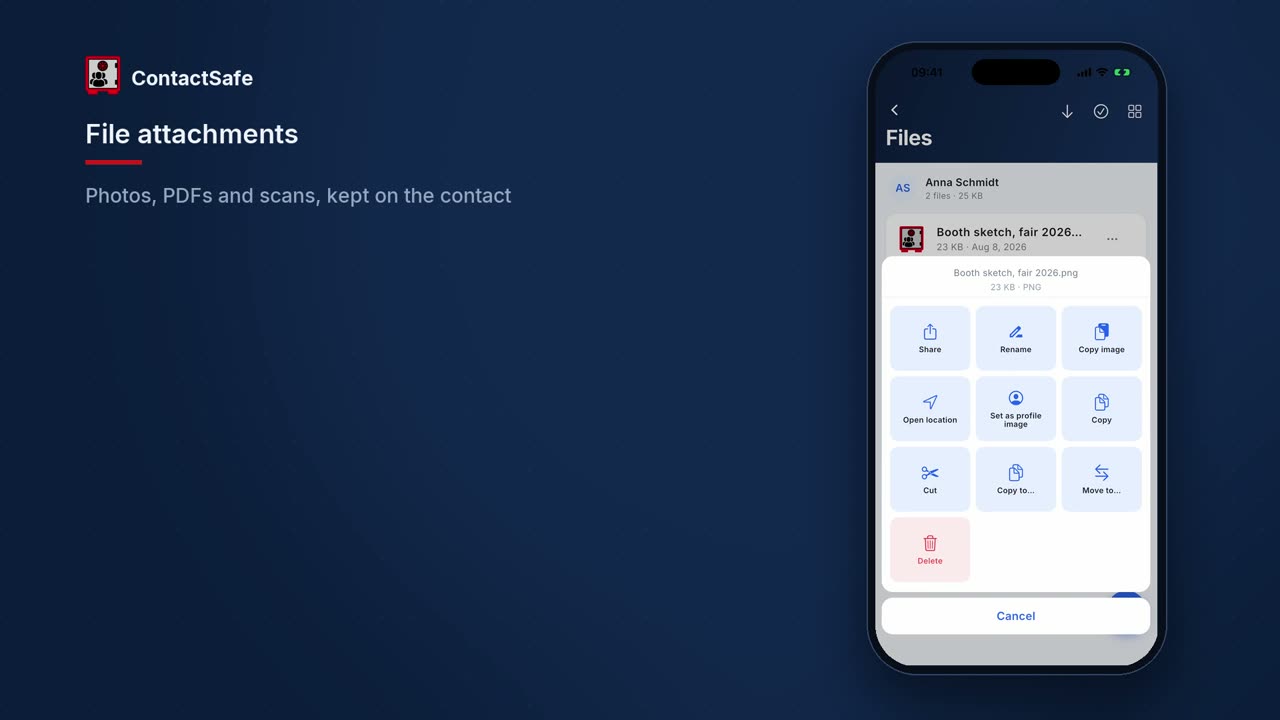
Pin photos, audio, video and documents (PDF, vCard, anything) to a contact. Long-press to copy, rename, share or delete.

Multiple Locations

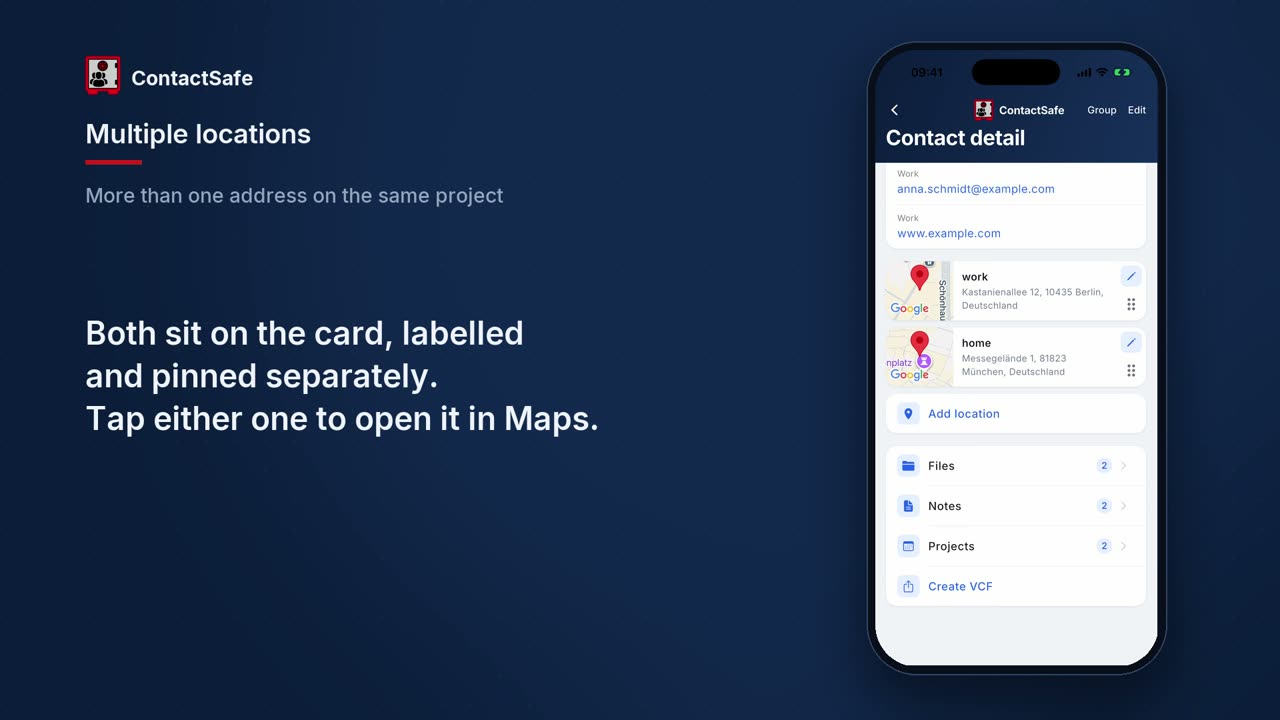
Add named addresses (Home, Office, Summer house…) with full geocoded address and an interactive map preview.

Share from Any App

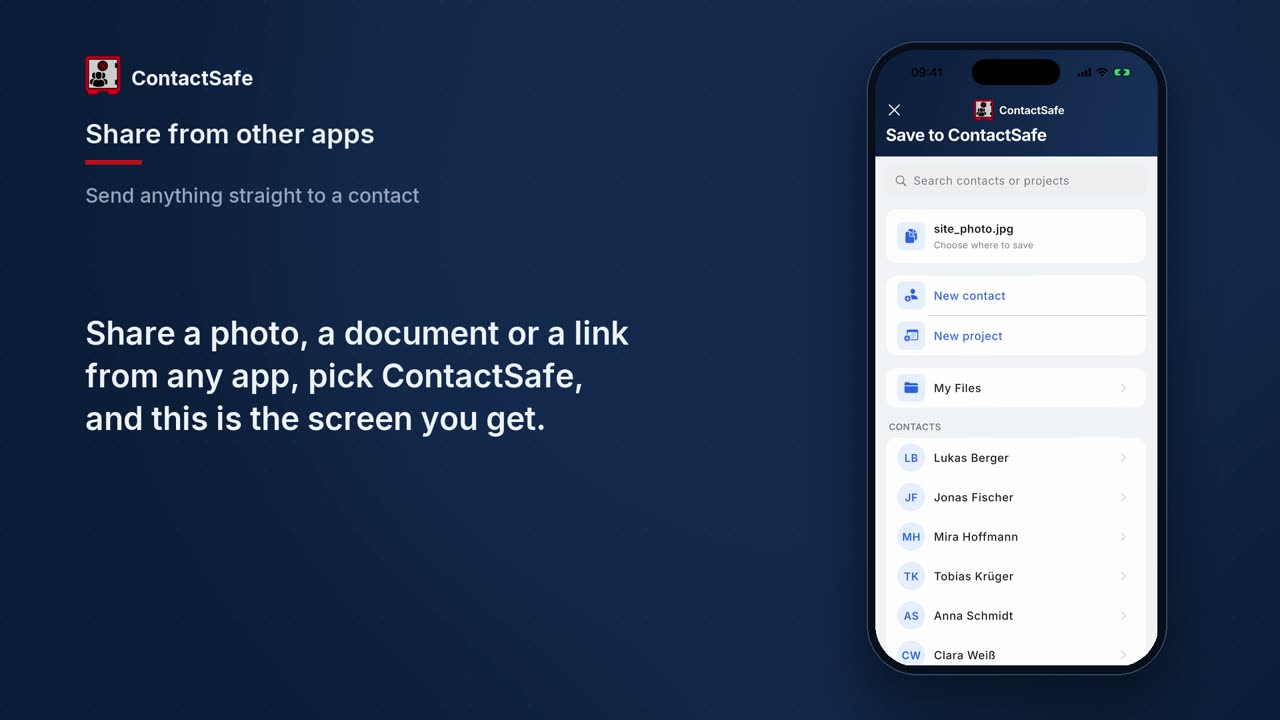
The share sheet routes photos, files, links and Google Maps locations straight into a new or existing contact.

EXIF Geodata Preserved

Imported photos keep their original GPS coordinates, timestamp and camera metadata — nothing is stripped or re-encoded.

vCard export

Export any contact as a .vcf card that any phone, mail client or CRM can read — or send a single address on its own.

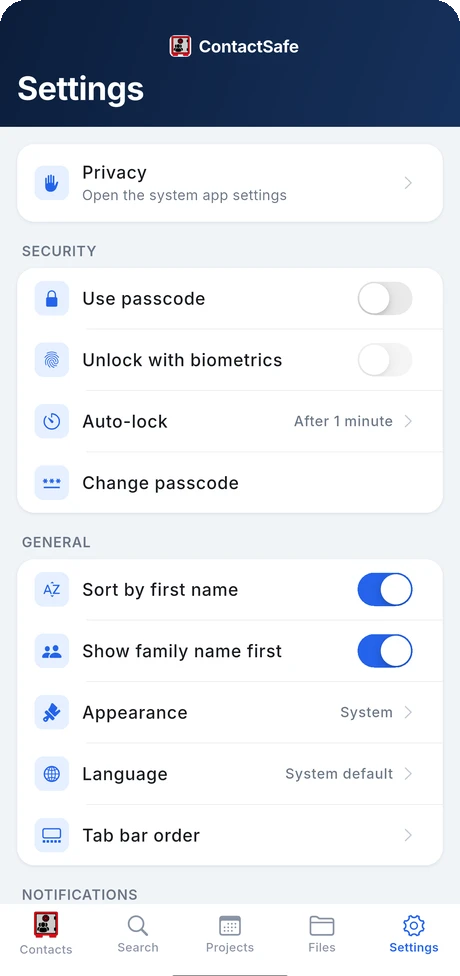
Passcode & Biometric Lock

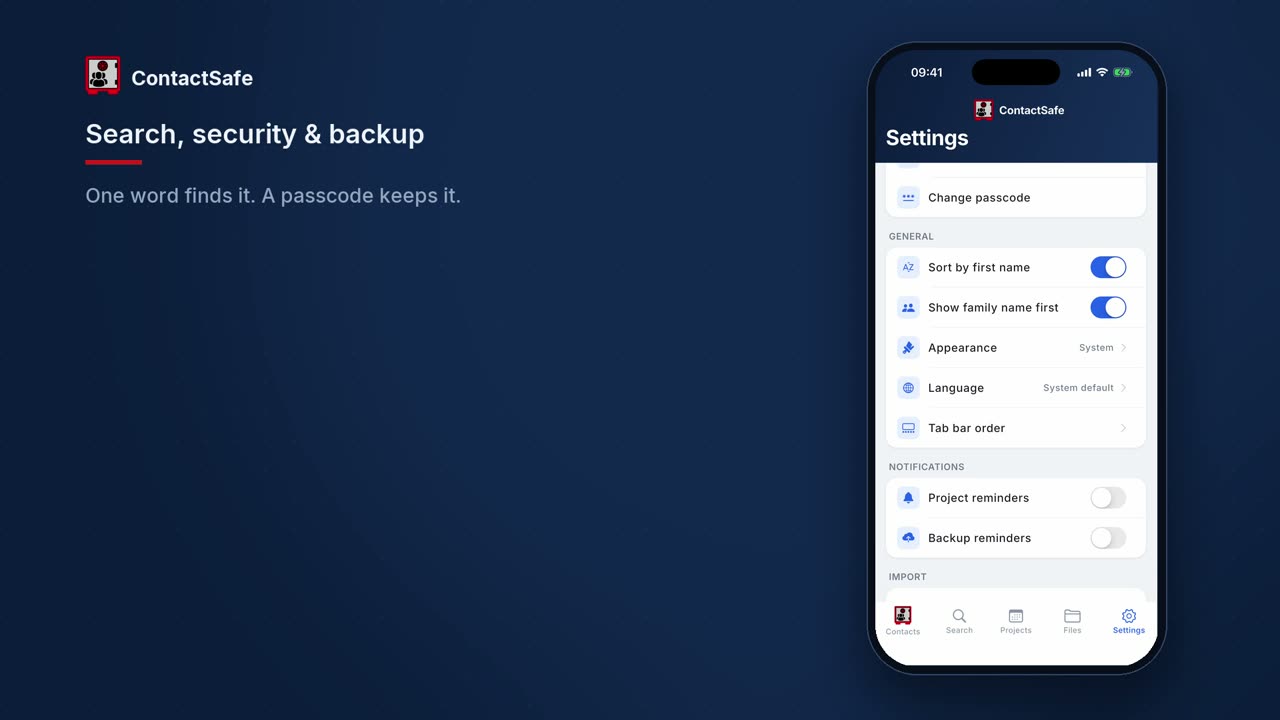
A 6-digit passcode, hashed with SHA-256 and a per-device salt, paired with Face ID or fingerprint. Auto-lock closes the app behind you.

Release history

What's new in every release

Every update to ContactSafe with full release notes — newest first.

v1.0

Current·

The all-new ContactSafe — a private, on-device vault for your contacts and everything attached to them. Available for Android and iPhone.

  • Contacts with photos, phone numbers and addresses, secured on your device.
  • Attach files, photos, PDFs and scanned documents to any contact.
  • Notes and projects per contact, with locations shown on a map.
  • Fast search across contacts, files, notes and projects.
  • Passcode and biometric (fingerprint / face) app lock, with auto-lock.
  • Back up everything — contacts, files, notes and projects — as one .zip you keep.
  • Offline by default — no account, no cloud. Only the map previews and address lookup use the network.
Videos

See it in action

Watch the introduction and step-by-step guides to get up and running fast.

ContactSafe — App Introduction

A full tour: contacts, notes, files, projects, search, security and backup.

Getting Started

First launch, adding your first contact by hand, and the two ways to bring people you already have.

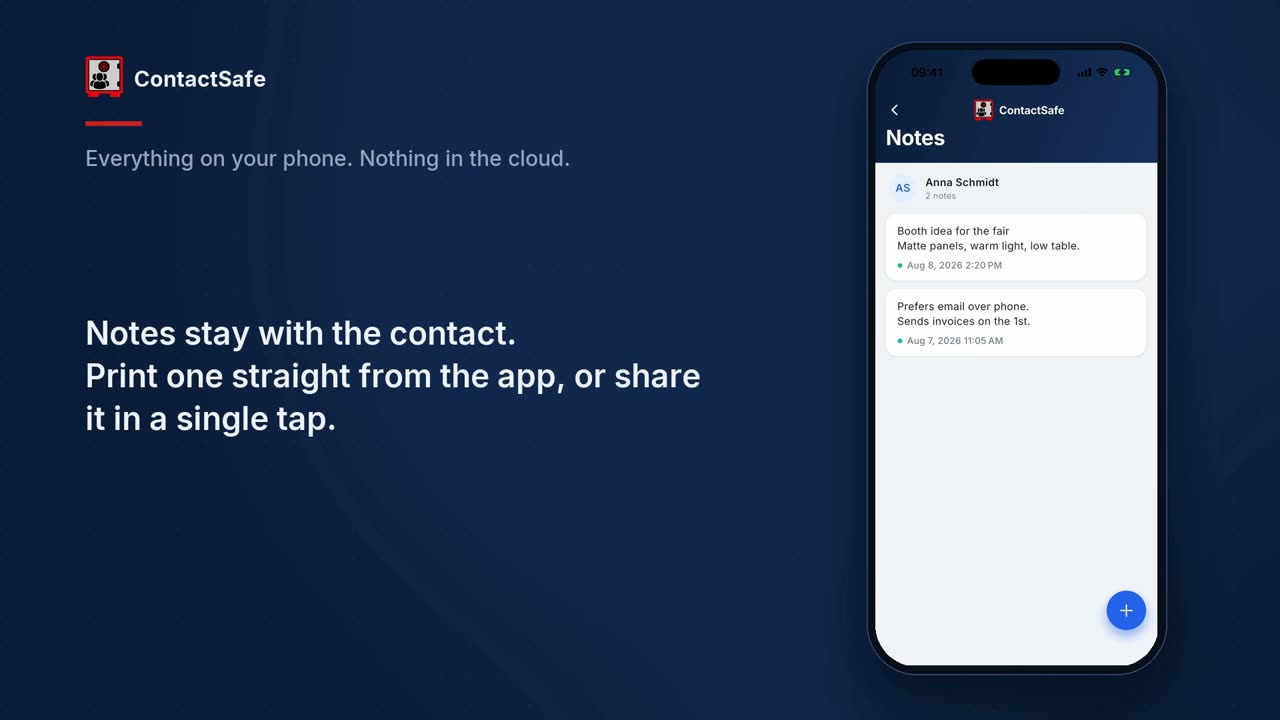
Notes & Printing

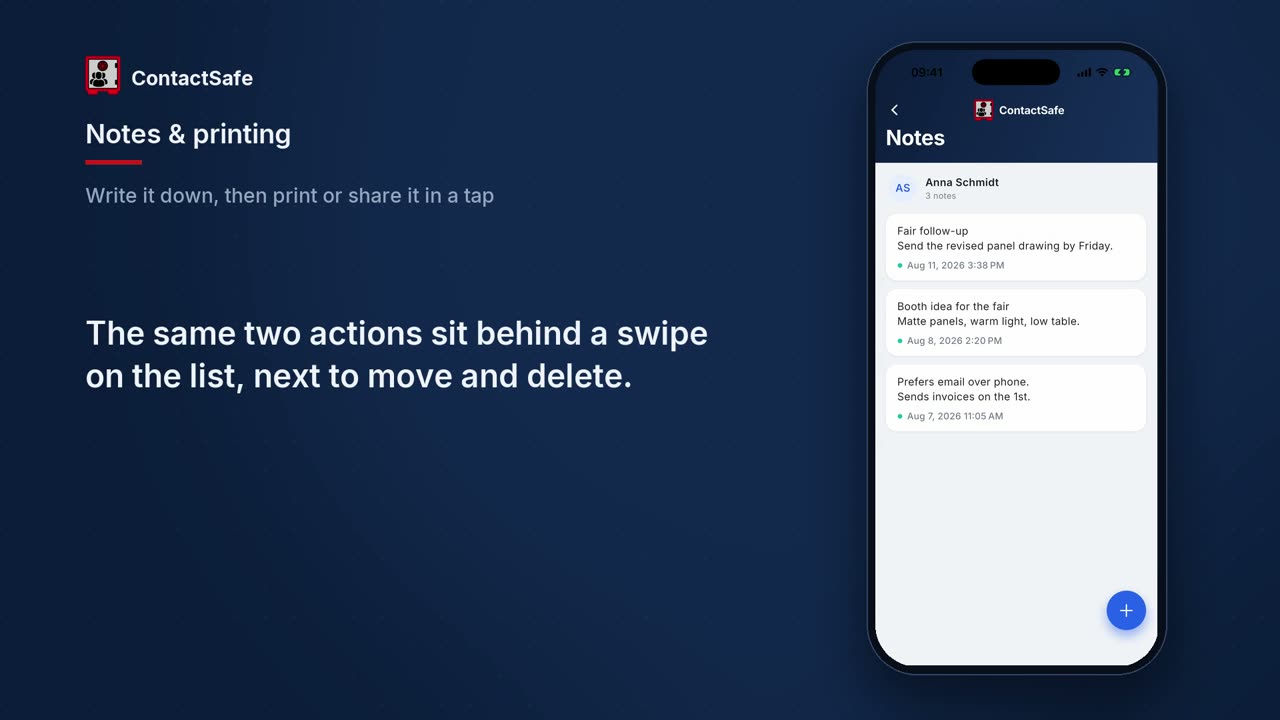
Writing a note on a contact, printing it straight from the app, and sharing it as a PDF.

File Attachments

Attaching photos, scans and documents, the menu on every file, folders, and the global Files tab.

Projects

Grouping work by date, linking the people and the place, and seeing a contact's own projects.

Multiple Locations

Adding several named addresses to one contact, each with its own pin on the map.

Share from Other Apps

Sending a photo, file or link from any app straight into a contact, a project or the file store.

Search, Security & Backup

One search across everything, passcode and auto-lock, fifteen languages, and the backup zip.

These films open with AI-generated footage. Everything shown of the app itself is a real screen recording.

Screenshots

A look inside

The same screens as in the guides, shown one at a time. The people and files are invented.

Your own address book

Your own address book

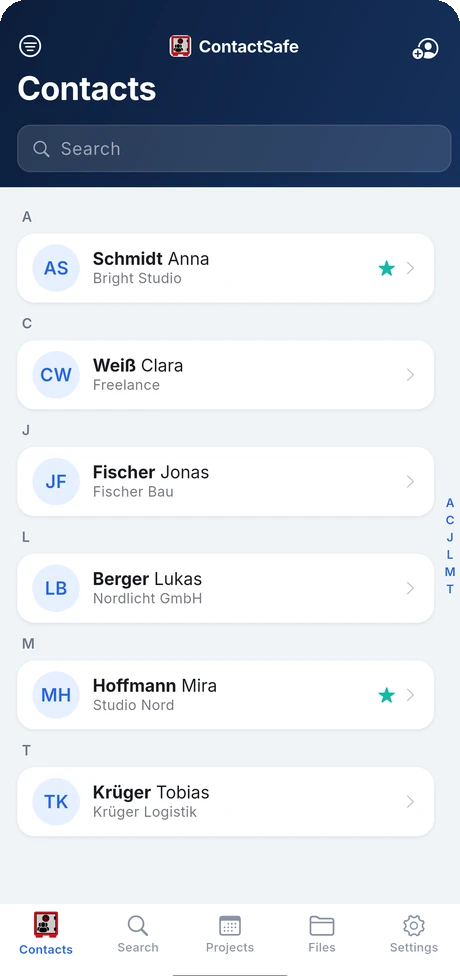
A private list, separate from the phone's. Favourites first, jump by letter, and nothing here syncs anywhere.

Work grouped by date

Work grouped by date

Projects hold the visits, calls and deadlines — with the place, the people and the files that belong to each one.

Files kept with the person

Files kept with the person

Photos, scans and documents sit under the contact they came from, not in one shared pile. Sizes and types at a glance.

Locked the way you choose

Locked the way you choose

A passcode, a fingerprint or face, and an auto-lock that closes the app behind you. Fifteen languages, light or dark.

Side by side

How ContactSafe compares

Quick comparison with the contact apps that come pre-installed.

ContactSafe
Apple ContactsGoogle Contacts
Stored on-device onlyPartial
No cloud account to sign in toPartialPartial
Backup file you keep yourselfPartialPartial
Files attached to a contact
Multiple named locations
Projects linked to contactsPartialPartial
Passcode & biometric lock
adb backup blockedn/a
Print a note from the app
Privacy first

Built for simplicity and full control.

No account required

Open the app and start immediately. No sign-up, no email, no cloud login.

100% offline-capable

Every feature works without a network. Only the map previews and looking up an address you type touch the internet.

Backups you keep

Export everything as one .zip and put it wherever you trust — the device, a file app, a drive of your own. It never passes through us.

No tracking, no telemetry

Zero analytics. The app never measures, logs or transmits anything about how you use it. adb backup is blocked too.

Loading the live demo…
This is the real app running in your browser, on made-up sample data. Tap around.
Questions answered

Frequently asked questions

Everything you need to know before you install ContactSafe.
Exclusively on your device. ContactSafe never uploads your contacts, notes, files or projects to any server. There is no cloud account and no sync — data only leaves the phone if you export a backup yourself.

ContactSafe

Download ContactSafe

Out now on Google Play and the App Store. No subscription, no ads, no in-app purchases.
Get it on Google Play
Download on the App Store